
With the release of Designcenter NX 2606, there are some great new features and additions to commands in NX CAD. In this video series, we will look at some of the notable updates and explore tips and tricks on how best to use them.
User Interface Roles & Applications
Access to Roles and Applications has been made easier than ever in Designcenter NX 2606! New to the user interface, Roles have been simplified into what is now the ‘Base’ Role. What used to be known as the Advanced Role is now the single jump-off point for every engineer using Designcenter NX. From the Base Role, you can design the user interface to suit any need. Access to Applications has also been simplified with the new Application pull-down in the top middle of the screen, which makes it easier to see and switch between Applications in Designcenter NX 2606.
Pattern Feature
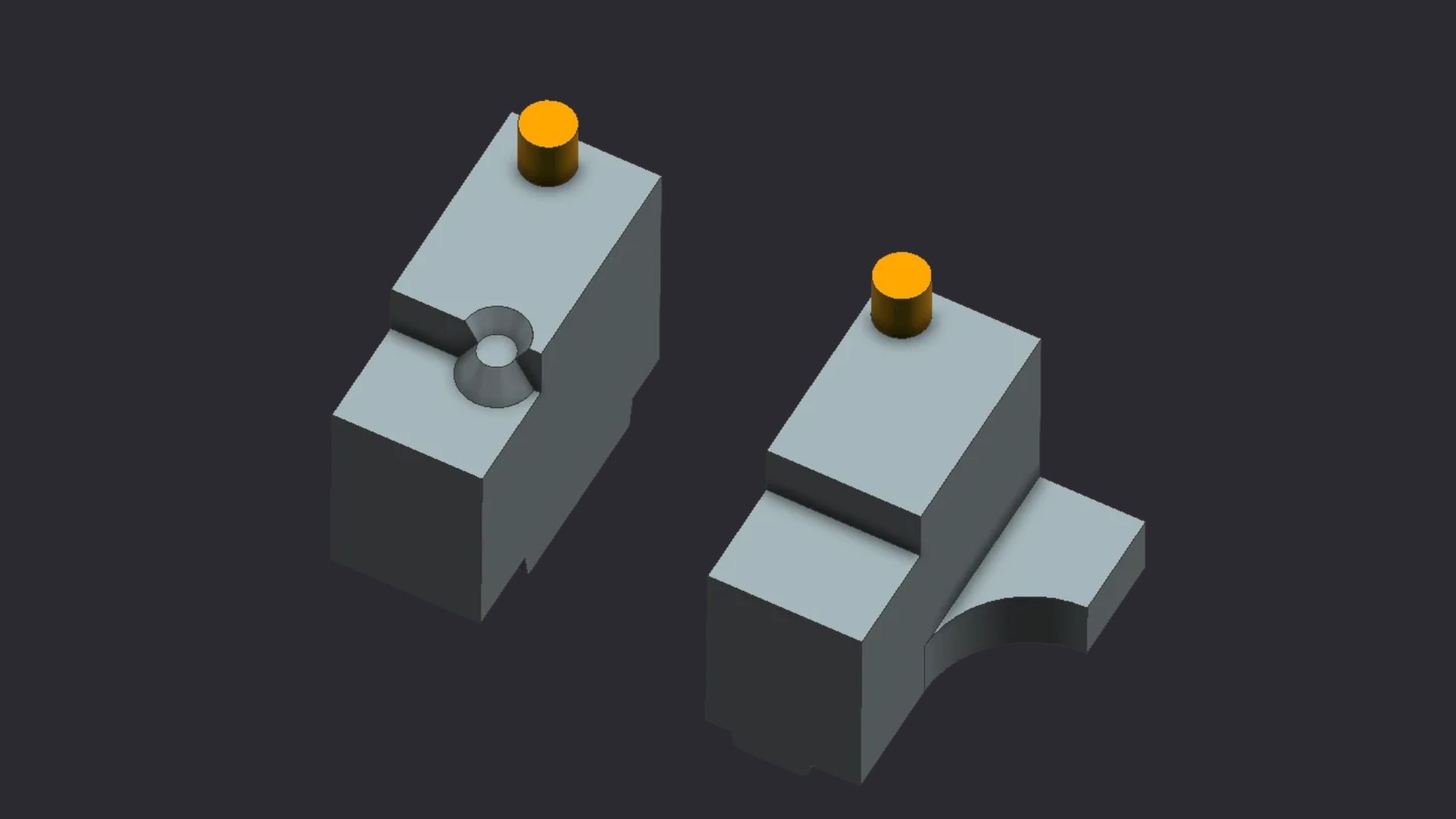
New enhancements to the Pattern Feature command in Designcenter NX 2606 now allow more complex features to be patterned. Features created with Replace Face, Delete Face, and other Synchronous commands, along with Divide Face, Trim, and Offset Curve, can now be patterned as features!
Synchronous Enhancements
Have you ever wanted to delete faces from two separate bodies at the same time in NX? With the improvements to the Synchronous Modeling tools in Designcenter NX 2606, we now have that capability! Another significant enhancement to this tool set is that zero thickness can now be used with tools such as Move Face, Pull Face, Offset Region, and more!
Exploded Views
Designcenter NX 2606 gives us something I’ve wanted for a long time in the NX Drafting space: the ability to take exploded views from the master model of an assembly and bring them into the drawing file! This gives engineers and drafters much more flexibility with assembly drawings.
Sketch Enhancements
Enhancements to the Sketch environment in Designcenter NX 2606 improve both the user interface and the workflow. New changes include the ability to turn Found Relations on and off, the flexibility to create Persistent Relations on the fly, updates to how those relations are displayed, and other general feedback improvements, making Sketch even faster and easier to use!
NX is constantly innovating, adding new commands and updating the tools we use every day with each new release. If you have any questions about these updates or suggestions for topics you’d like us to cover, feel free to leave a comment.
If you or anyone on your team needs NX training, we offer multiple delivery options to accommodate the needs of busy engineers.
