

Building Rodin Cars Digital Engineering Backbone
Rodin Cars partners with Sherpa Design to implement Teamcenter, enhancing engineering efficiency and traceability for high-performance race car production.


The key to success is an Engineering First approach to implementation.
This involves working with engineers first to define how their products are structured, how changes are authorized, and how design intent is preserved over time.
Getting the right workflow early on ensures high user adoption that will facilitate system growth.

Many upgrade and integration projects become expensive because they inherit setup decisions that never matched the way engineers really work.
Our team of practicing engineers have lived inside those decisions. We use Teamcenter in our own product development work and understand the gaps and challenges.
We regularly help clients fix that foundation first so new capabilities do not compound old workflow problems.

We’re Teamcenter experts, not software resellers, so our guidance is based on technical fit and long-term value—not software
sales quotas.
Whether you are starting with a new Teamcenter deployment, improving an established environment, integrating third-party systems, or resolving performance and workflow issues, we offer flexible support tailored to your team and stage of growth.

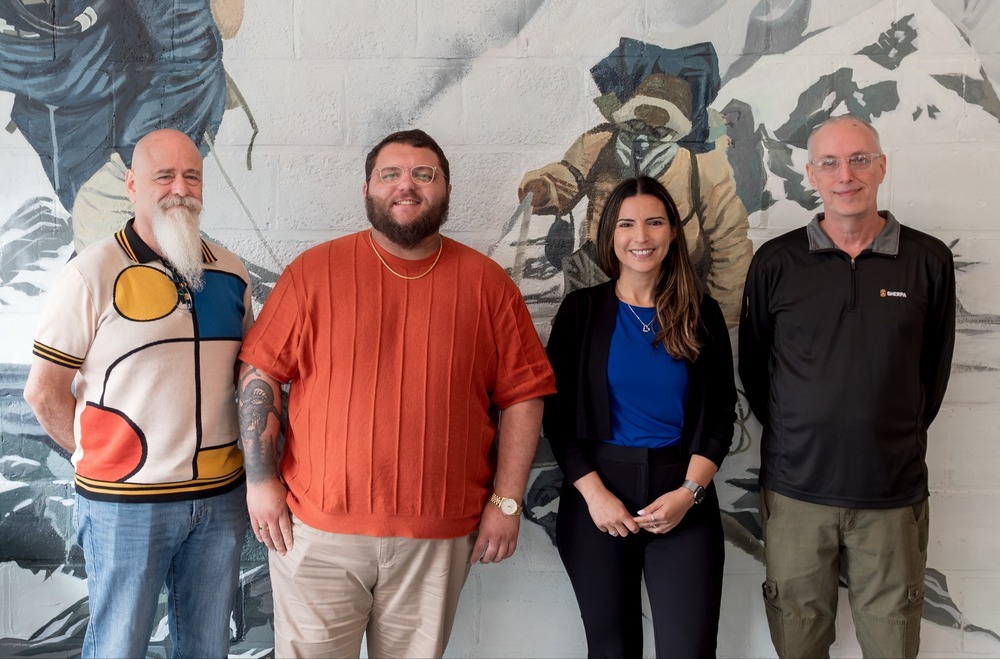
We have a proven track record of successful collaborations with startups and industry giants in aerospace, automotive, and defense, including pivotal installations with the Siemens team themselves. Our team has decades of combined experience, are U.S. citizens and carry a variety of security clearances and Siemens issued certifications.


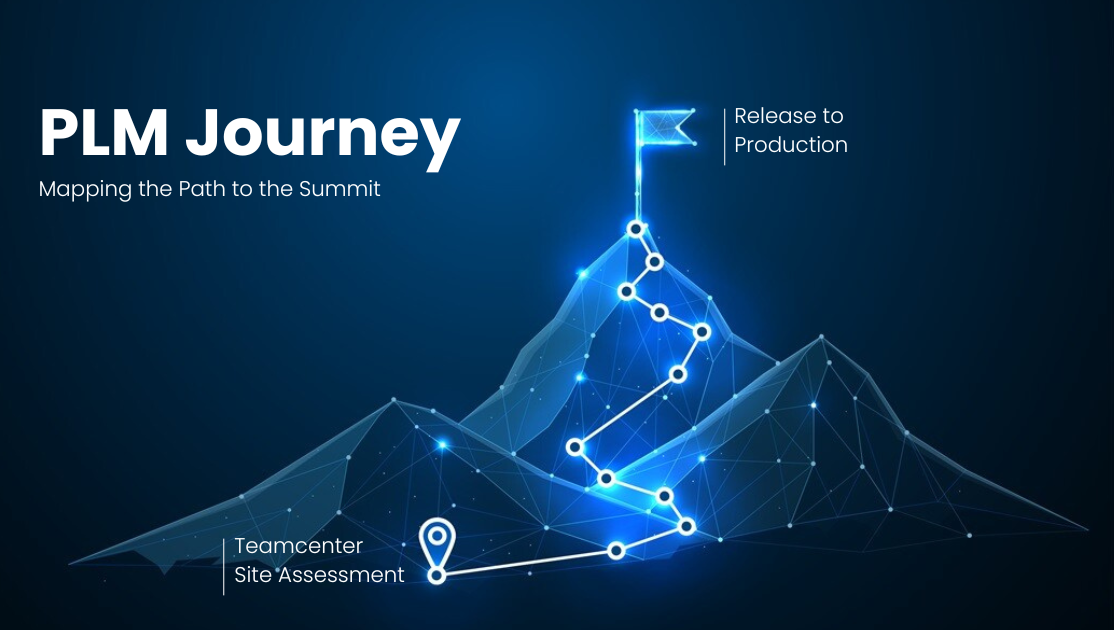
A Teamcenter site assessment is often the best place to start, because every environment is unique and the right path depends on your current configuration, engineering workflows, and business goals.
A site assessment is a full evaluation of your current state, including a deep dive into server architecture, software integrations, workflows, and performance issues. Our experts explore your opportunities and capabilities, then deliver clear recommendations on how to optimize your PLM solution with a prioritized action plan on how to get there.
There are many Teamcenter implementation partners in the market, ranging from solo practitioners and small consulting teams to large software resellers. When choosing a partner, it is important to remember that Teamcenter is complex, and no single person can know every part of the system. At the other end of the spectrum, large resellers may focus most of their attention on enterprise accounts that are purchasing significant software volume. Experienced teams are often the sweet spot, but you still need to confirm that they have direct experience with the type of project, environment, integrations, and engineering workflows your implementation requires.
Sherpa specializes in Teamcenter services that support engineering teams using NX and related product development systems. Our core areas include new Teamcenter installations, site assessments, upgrade planning, roadmap development, environment cloning, Deployment Center, data model, admin data, FMS configuration, Active Workspace transitions, NX integration, license server configuration, and Teamcenter administration.
We also support performance improvements, workflow configuration, SolidWorks integration, Teamcenter utilities, and migration planning. When a project requires highly specialized development or third-party expertise, we help identify the right resources and manage that work as part of the broader implementation plan.
A successful Teamcenter project depends on active client participation. At the start, we typically need an internal project champion, access to the right technical and business stakeholders, network and system access, and up-to-date licensing that supports the intended deployment. It is also important to have someone on your team responsible for organizational readiness, user adoption, and the company’s ability to manage the new system after launch.
Sherpa can guide the implementation, but the best outcomes happen when client leadership, engineering, IT, and end users are engaged throughout the process.
Yes. Sherpa can help plan and execute a Teamcenter upgrade while minimizing disruption to your live production environment. We typically start by cloning the existing production environment into a development or test environment, where the upgrade, migration, configuration work, and validation can happen without interrupting day-to-day users.
Once the upgraded environment is tested and ready, we support a planned production cutover from the old system to the new one. If users continue working in the existing system during the upgrade window, we can perform a delta migration to move over the data that changed between the original migration and the final cutover. This helps preserve business continuity while reducing the risk of data loss or downtime.
A Teamcenter site assessment is an evaluation of your current environment, workflows, infrastructure, and business goals. It gives Sherpa and your internal team a clear understanding of how Teamcenter is being used today, where the system may be creating friction, and what needs to change to better support engineering, operations, and future growth.
During the assessment, we typically review both technical and business considerations, including:
.png?width=25&height=20&name=SHE%20-%20Testing%20%26%20Validation%20(2).png) Server landscape across all Teamcenter environments
Server landscape across all Teamcenter environments
System information for each identified server
Environment configurations, with particular attention to production
Custom templates, objects, and data modeling project details
Administrative data
Known pain points, workflow issues, and performance concerns
Relevant business process use cases
The result is a clear site assessment report with findings, recommended next steps, backlog items, and a practical roadmap for improving your Teamcenter environment. The goal is to help your team prioritize the work that matters most, reduce implementation or upgrade risk, and move toward a Teamcenter system that better supports how your business actually works.